Short answer: choose Bitwig Studio for supported Linux, integrated modulation, The Grid or configurable plug-in isolation. Choose Ableton Live when native Push integration, Max for Live or exchanging Live Sets with collaborators matters most. Both have clip launchers and support ordinary Ableton Link synchronization. Neither is automatically faster or more reliable on your computer; compare the work you actually need to finish.
Checked September 7, 2026 against current vendor documentation, including Bitwig Studio 6.1 and the Live 12.4 release line. Prices below are the euro shop displays retrieved on that date, not universal or account-specific offers. This is a documented workflow comparison, not a hands-on CPU benchmark or crash test.
CPU, memory and project storage
- Compare the same interface, sample rate, buffer, plug-ins and busiest passage. Different native presets are different workloads, not a controlled DAW benchmark.
- Bitwig’s greater plug-in isolation can use more RAM. Keep the protection you need and measure the actual project before changing hosting settings; the modes are explained below.
- Downloaded sound libraries occupy disk space. RAM depends on loaded samples and devices, not the name of the edition. Keep backups before removing content that existing projects use.
Windows, Mac and Linux support
Bitwig’s current download page lists macOS 12 or later, Windows 10/11 64-bit, and Ubuntu 24.04 or a modern Flatpak distribution. It offers both x86-64 and ARM64 Windows installers. Check the requirements for your platform and the compatibility of your audio drivers, controllers and plug-ins separately. Live 12’s official system requirements cover macOS and Windows, not Linux.
For a Linux workstation, Bitwig is the supported choice between these two. On Mac or Windows, operating-system support alone does not decide it. A required interface driver or plug-in can still prevent a move even when the DAW itself installs.
Clip launcher and arranger are not the dividing line
Both programs combine a timeline with launchable clips. Live’s Session and Arrangement Views share tracks, and you can record a Session performance into Arrangement. Bitwig has its Clip Launcher and Arranger; a launcher is not exclusive to Ableton.
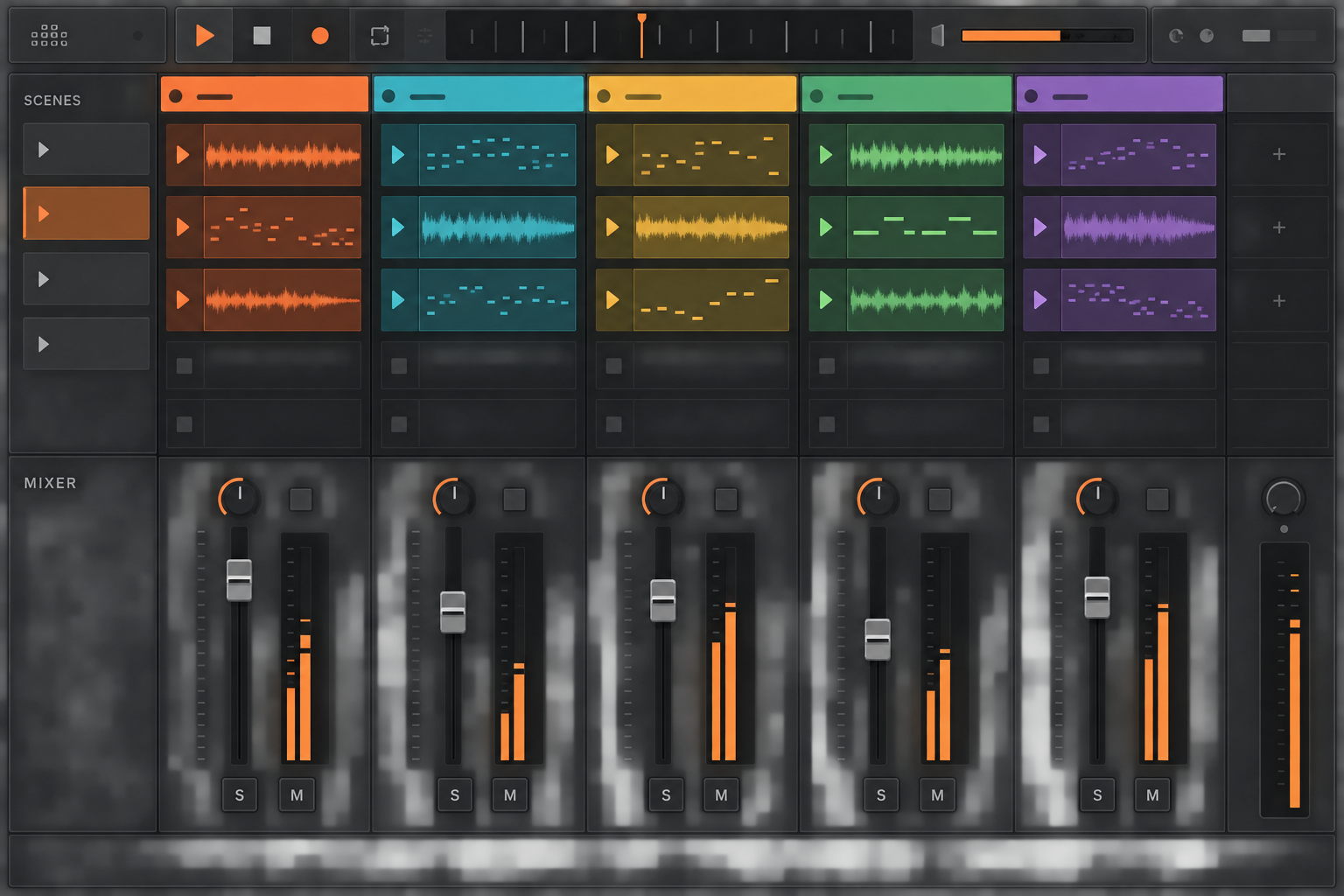
For a performer already using Push with Live, retaining that integrated setup can avoid rebuilding controller mappings. But Bitwig also supports Ableton Link for tempo and beat synchronization. That is ordinary Link, not a claim that Bitwig supports the newer Link Audio feature. Test scene changes, recording and the return from launched clips to the timeline on your actual controller. A familiar, rehearsed setup matters more than an unsupported claim that either DAW is the safer stage default.
Modulation: Bitwig’s integrated system versus Live’s devices
Bitwig’s Unified Modulation System lets modulators target devices and mixer controls at track, group and project level; project-level destinations include tempo and groove controls. You can adjust a parameter’s base value while it is modulated. Per-voice behavior depends on the device and modulation source; do not assume every plug-in parameter supports it.
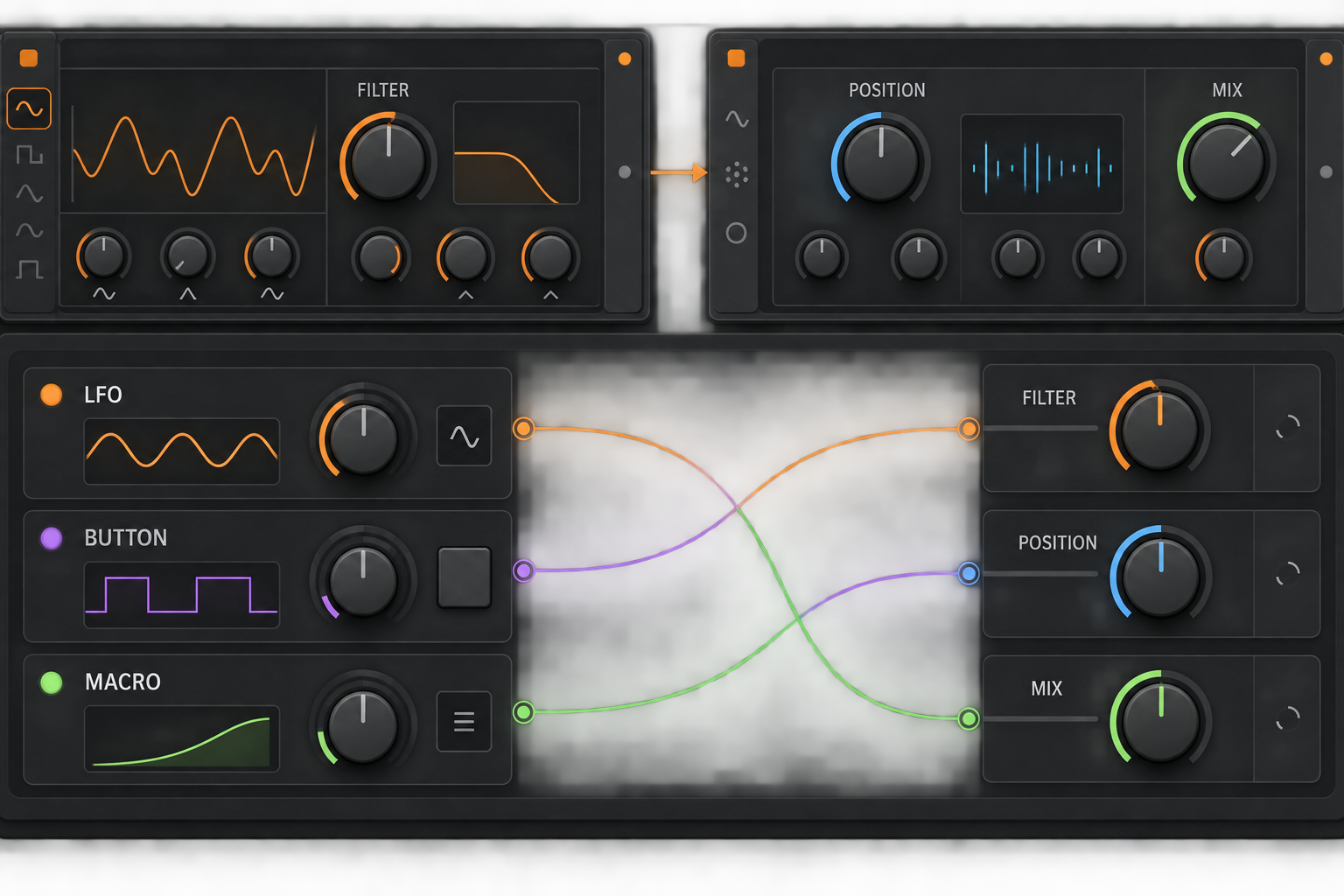
Live has LFO and Expression Control across the current editions; Standard and Suite add Envelope Follower, Envelope MIDI, Shaper and Shaper MIDI in the edition matrix. Racks provide Macro mappings, while Max for Live extends what you can build. These tools cover many common jobs, but their availability is not the same as Bitwig’s integrated track- and project-level modulation.
Try an LFO on a filter, velocity on a timbral parameter and an envelope follower on an effect, using devices that support the intended mapping. Adjust the original knob afterward and check how clearly you can see each assignment. Bitwig is worth considering if these routings are a large part of your sound design. If your current racks already do the job, that advantage may not justify migrating a catalog of projects.
The Grid and Max for Live solve different device-building jobs
The full Bitwig Studio edition includes The Grid, with Poly Grid, FX Grid and Note Grid for instruments, audio effects and note processing. Essentials and Producer do not include it. The attraction is building a device inside Bitwig’s modular environment, not merely owning a larger preset collection.
Max for Live is included in Suite and available as a separate add-on for Standard. It supports custom instruments, audio/MIDI effects and access to Live through the Live API. That makes it relevant to unusual control and workflow tools as well as synthesis. Check each third-party device’s license and version requirements; Suite does not make every community device free.
Choose a small device you would genuinely maintain: perhaps a note-triggered filter with a few performance controls. Try building or adapting it in the relevant environment. The comparison is about whether you can understand and revise the result, not which program can display the most complicated patch.
Plug-in isolation: useful protection with limits
Bitwig’s hosting-mode documentation describes different levels of separation. Within Bitwig shares the audio-engine process: a plug-in crash can also crash the engine. Together separates plug-ins from the engine but groups them together. By manufacturer and By plug-in split that group; Individually separates each instance at greater resource cost. None guarantees an uninterrupted performance.
You can override the global mode for selected plug-ins to run individually. Changing the global setting affects newly loaded plug-ins; reopen the project or reload its audio engine to apply it throughout. Save first and do this outside a performance. After a crash, Reload Plug-in can restore the failed device, but its missing audio is not automatically recovered.
Do not keep an incompatible plug-in merely because isolation may contain a crash. Update or replace it, or render an audio version in a saved project copy. Live’s plug-in crash troubleshooting addresses the failed component and recovery rather than offering Bitwig’s selectable hosting modes.
What Bitwig 6.1 changes for sampling
The 6.1 release notes, dated August 26, 2026, add a substantially revised Sampler and a Tuner device. Sampler now offers slice detection including pitch-based boundaries; the full feature set includes Spectral time-stretching and Fragments granular playback. These matter if sample manipulation is a reason to switch. Check edition inclusion rather than assume the lowest-priced edition contains every mode.
There is also an upgrade warning: old Sampler Play Mode, Freeze Playhead and Envelope Mode modulation or automation is no longer supported in 6.1. Stored parameter values load, but those old assignments are disregarded. Preserve the original project and use the older version to adjust affected work before upgrading it. In Live, compare the sampling task with the devices you actually own, and try MIDI Transformations and Generators separately if note editing is the reason for the move.
Price and edition limits
On September 7, 2026, the euro version of the Bitwig shop displayed EUR 99 for Essentials, EUR 199 for Producer and EUR 399 for full Studio. Essentials and Producer offer unlimited tracks and scenes but smaller device and modulation selections. The Grid is a full-Studio feature; check the Sampler modes and multisample editor included in the edition you are considering.
The Ableton shop displayed EUR 79 for Intro, EUR 279 for Standard and EUR 599 for Suite in the same check. Intro has sixteen total audio/MIDI tracks; Standard and Suite have unlimited edition allowances. Suite bundles Max for Live, while Standard can add it separately. These are displayed new-license prices: currency, promotions and your existing license can change the offer. The Standard versus Suite comparison covers that buying decision without treating the largest bundle as mandatory.
Bitwig includes a twelve-month Upgrade Plan from registration. After it expires, the perpetual license keeps working with the covered release; maintenance fixes within that line remain available, but a later feature release requires renewed coverage. Renewal can wait until you need a newer release. Budget any desired renewal or major-version upgrade separately rather than assume a purchase includes every future version.
Moving Ableton projects to Bitwig
Bitwig’s ALS import guide supports some data from Live 8.1-or-later Sets: arrangement and launcher content, tracks, automation and VST/VST3 settings. This is a partial conversion, not identical playback. Ableton instruments, racks, effects and warp modes may be approximated; some devices become empty containers.
Audio Units and track input routings are not imported. Keep the original Set and its media, render a reference mix, then export stems from a shared start point. In the converted copy, verify every input/output, plug-in, automation move and transition against that reference. A successful import dialog does not establish that a show project is ready.
Which should you choose?
- Choose Bitwig when supported Linux, its modulation workflow or The Grid solves a specific requirement. Check edition inclusion and the complete driver/plug-in setup.
- Choose Live when native Push integration, Max for Live or collaboration in the Live Set format is central to your work.
- Keep your current DAW if the other program’s main attraction is a feature you cannot connect to a project you want to make. Both can record, arrange, mix and launch clips.
Try a small copy of a real project in the trials: launch a scene, record it to the timeline, edit a sound and reopen the saved result. Keep the original untouched and do not deliberately crash a plug-in in a working Set. For stage use, rehearse the performance-set checks, including recovery and a usable backup. If overload is the only problem, investigate Freeze and Bounce before rebuilding the project in another DAW.
The Choose Ableton Live hub covers the broader buying decision. Compare Live with Logic Pro if your alternative is an Apple-based recording setup, or Live with FL Studio if pattern sequencing and piano-roll work are your priority.
FAQ
Is Bitwig Studio better than Ableton Live?
Bitwig is a strong fit for supported Linux, integrated modulation, The Grid and configurable plug-in isolation. Live is a strong fit for native Push integration, Max for Live and collaborators exchanging Live Sets. Both support clip launching and ordinary Ableton Link; neither is a universal winner.
Is Bitwig made by Ableton?
No. Bitwig Studio is developed by Bitwig GmbH and Ableton Live by Ableton AG. Their clip launchers and arranger concepts overlap, but their devices, project formats, licensing, modulation systems and hardware ecosystems are separate.
Can Bitwig Studio run on Linux?
Yes. Bitwig Studio 6.1 supports macOS, Windows and Linux. Ableton Live 12 officially supports macOS and Windows, not Linux, so a supported Linux workstation makes Bitwig the direct choice between these two.
How much do Bitwig Studio and Ableton Live cost?
The euro shop displays checked September 7, 2026 were EUR 99/199/399 for Bitwig Essentials/Producer/Studio and EUR 79/279/599 for Live Intro/Standard/Suite. These are regional new-license displays, not universal quotes. Compare the required edition and your account’s upgrade offers, plus any future update costs.
Can Bitwig open Ableton Live Sets?
Bitwig can partially import Sets saved in Live 8.1 or later. Audio Units and track input routings are not imported, and native devices and warp modes may be approximated. Keep the original project and media, export a reference mix and aligned stems, then verify the converted copy.
Which is better for live performance, Ableton or Bitwig?
Both support clip-based performance and ordinary Ableton Link. Live suits a setup built around native Push integration and Live Sets; Bitwig may suit extensive modulation and configurable plug-in isolation. Reliability depends on the actual project, drivers, plug-ins, controller setup and rehearsal, not the product name.