Short answer: try Ableton Live first if you need Windows support, Session View clip launching or native Push integration. Try Logic Pro first if you own a supported Mac and want audio take folders, Session Players or built-in Dolby Atmos delivery. Both can record, arrange and mix a complete song. If either one could work for you, run the five jobs below with your own material; they’re suggested exercises, not a benchmark we claim to have run.
Checked September 21, 2026. The current release notes list Live 12.4.6 and Logic Pro 12.3.1. The system requirements and regional prices below are dated observations, so confirm compatibility and checkout terms before you buy or update.
CPU, memory and disk space
- Neither DAW has a universal CPU advantage. Use the same computer, audio interface, sample rate, buffer, plug-in versions and busy passage, and compare dropouts rather than CPU-meter percentages that don’t measure the same thing.
- Installed libraries take disk space, while the samples and devices loaded into a project decide working memory. Ableton specifies 8 GB of RAM as the minimum and recommends 16 GB or more; meeting a minimum doesn’t mean your largest project will run well.
- Start the comparison with the core applications and the sounds you need. Keep the source takes and a separate project backup, and freeze or bounce a heavy part only once you’ve found the bottleneck.
Make the platform decision before the workflow decision
Logic Pro for Mac is not a Windows application. Apple’s current compatibility requirements call for an Apple-silicon Mac with macOS 15.6 or later. The iPad app has its own requirements: iPadOS 26 and an A12 Bionic chip or later, with some features needing newer hardware. An older Logic version running on an Intel Mac doesn’t show that a new purchase or update meets today’s advertised requirements.
Live 12 runs on Windows and macOS. Check Ableton’s system requirements together with the requirements of your audio interface and plug-ins. A team on mixed platforms can use Live on both, but each machine still needs compatible devices, plug-in formats and media for the project.
If both DAWs survive the hardware filter, compare the work instead of screenshots:
| Task | Ableton Live | Logic Pro |
|---|---|---|
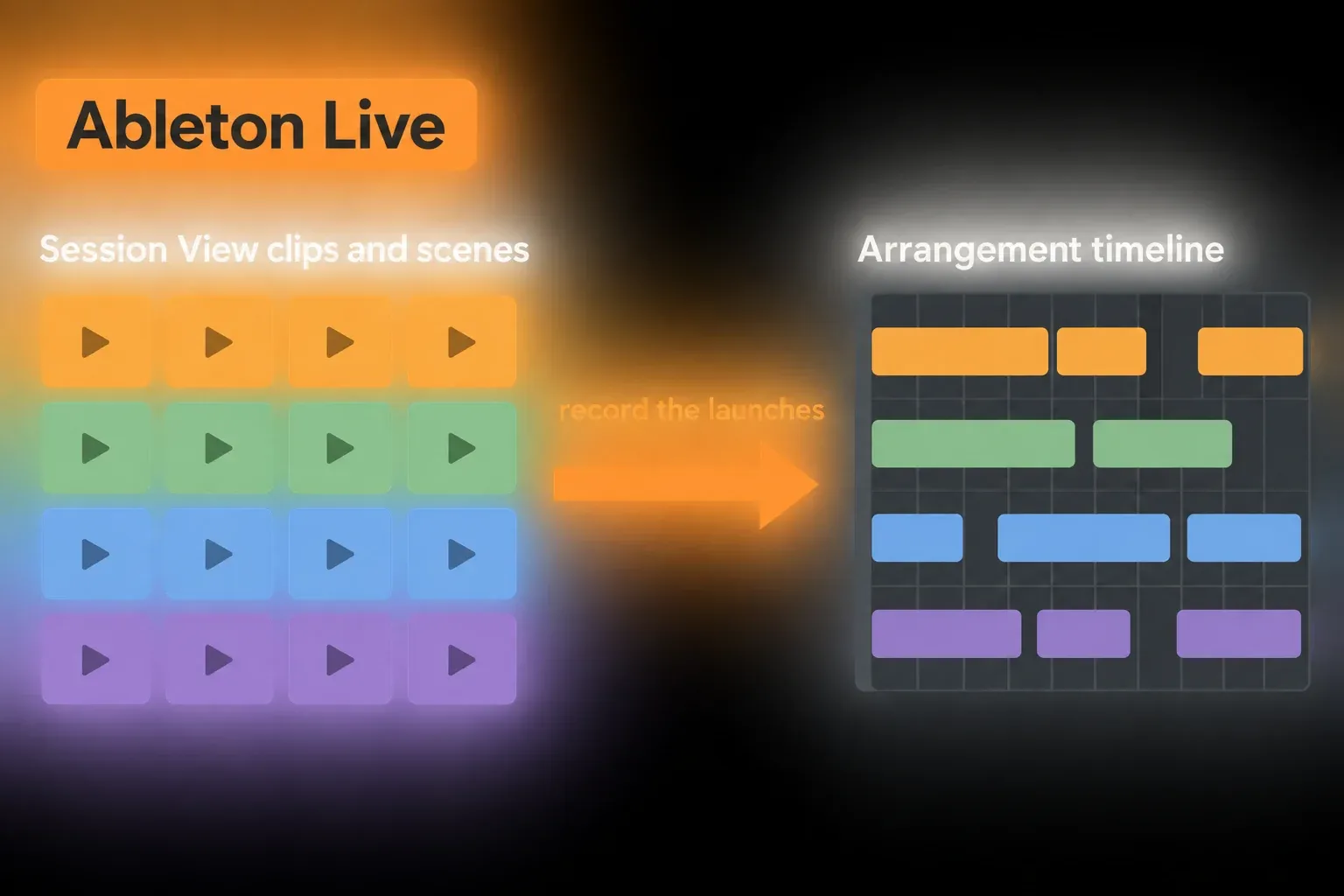
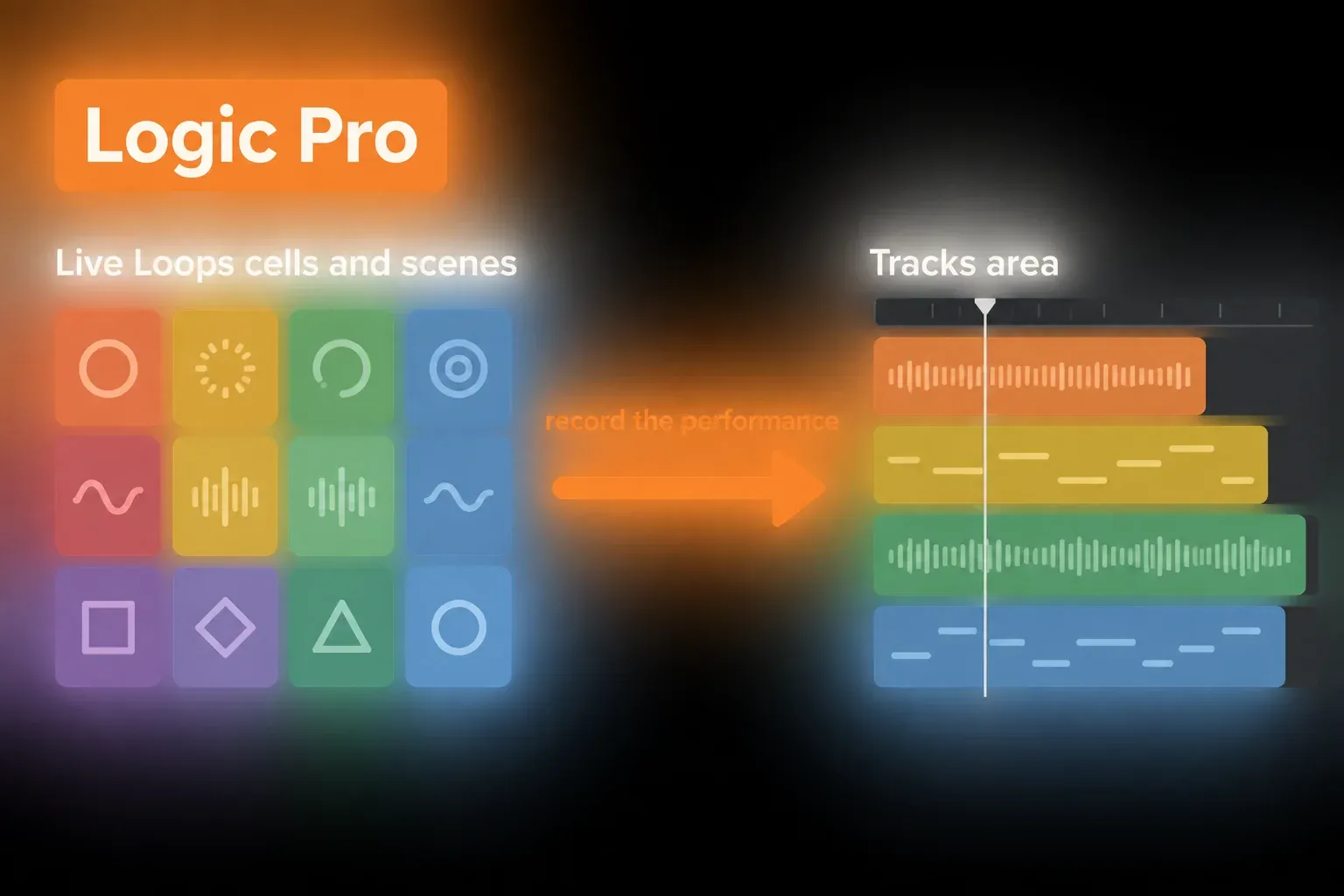
| Clips into arrangement | Session View performance recorded into Arrangement | Live Loops cells and scenes recorded into the Tracks area |
| Comp takes | Audio and MIDI take lanes; linked-track editing in Standard/Suite | Audio take folders and Quick Swipe Comping |
| Develop MIDI | Clip transformations/generators and reusable Racks; edition limits apply | Step Sequencer, Chord Track and Session Players |
| Mix and deliver | Device chains, Racks and stereo export | Stereo, surround and integrated Dolby Atmos delivery |
| Perform | Session View, Push, Link and MIDI mapping | Live Loops and Logic Remote; MainStage is a separate app |
Task one: turn eight clips into a finished structure
In Live, Session View holds clips and scenes that can play in a different order from the timeline, and you record the launches into Arrangement once you have a structure you like. The Session-to-Arrangement guide explains that handoff, and why an active Session clip can override playback on its Arrangement track.
Logic Pro has a serious nonlinear answer of its own. Apple’s Live Loops guide shows audio and software-instrument cells being recorded, scenes triggered, and a Live Loops performance written as regions into the Tracks area. A Logic user doesn’t have to switch DAWs just to try sections out of order.
Try swapping the order of two sections, recording that performance and then revising it on the timeline. Watch how you get back to the grid without accidentally replacing what you hear. That tests a real editing habit; it doesn’t assume Logic lacks clip launching or that Live is automatically faster.
Task two: record three vocal takes and build a comp
Logic’s Quick Swipe Comping picks phrases from audio takes inside a take folder. Drag across the passages you want, listen to the transitions and use Duplicate Comp to keep a version before you change more. It’s an audio-take workflow, not the same thing as editing MIDI notes.
Ableton Live also records several passes and builds a composite from take lanes. Its comping works for audio and MIDI, while Logic’s Quick Swipe Comping is for audio take folders. Linked-track editing in Live is limited to Standard and Suite, so a multichannel drum or ensemble recording needs the right Live edition. The practical setup is in the Ableton vocal recording path and the separate take-lane comping workflow.
Record the same verse three times, make a comp, move two boundaries and bring back the untouched second take, keeping the source takes in both programs. If you record several microphones together, also check how edits stay aligned. Decide from that result, not from a claim that one DAW always wins at vocals.
Task three: write and reshape a MIDI part
Live 12 offers MIDI Transformations and Generators in Clip View, with the available set depending on the edition. Racks combine device chains and expose chosen controls as Macros. Suite includes Max for Live, but it isn’t the only way in: Ableton also sells a Max for Live add-on for Standard. Check that a custom device works with the version and license you plan to use.
Logic Pro comes at the same job from a larger songwriting environment: Step Sequencer, software instruments, Quick Sampler, Chord Track and Session Players for drums, bass, keyboards and synth parts. None of these swaps one-for-one with Live’s tools. A Session Player following a chord structure meets a different need from transforming a selected clip or mapping a Rack Macro.
Program an eight-bar drum and bass idea, make two variations and save a reusable sound. In Live, try transforming the notes you have and controlling a Rack; in Logic, try a Session Player that follows your chord structure. One revises the notes you wrote, the other generates an accompaniment you can develop.
Task four: mix, master and deliver the same song
Both can mix a stereo song. In Live, build the buses and device chains you need, then check automation and export. A Rack can put several controls in one place, but it doesn’t make routing safe by itself, so confirm which signals reach the Main output and which skip it.
Logic’s surround and Spatial Audio guide documents built-in Dolby Atmos mixing and ADM BWF master export. That matters when a real delivery asks for it. A normal stereo song doesn’t get better just because the application also offers immersive mixing or Mastering Assistant.
Use the same stems and processors where you can, match audible level and pan placement, and export at the same sample rate and bit depth. Check buses, automation, tails and the reopened project. Differences in pan law or processing can skew the comparison, and a level difference says nothing about which audio engine is better.
Task five: rehearse the performance and its recovery plan
Ableton Live’s Session View was built for clips whose order and length may change on stage. Follow Actions, scene launches, tempo changes, MIDI mapping, Link and Push support all live in the same Set you produce in. The performance-set workflow separates backing tracks, cues, live inputs and recovery paths without exporting the whole show into another application.
Logic’s Live Loops and Logic Remote are real performance options. If the main job is playing instruments from a keyboard rather than producing a song, bring Apple’s separate MainStage app into the decision, and don’t count it as a built-in Logic mode or overlook its own setup and purchase terms.
Rehearse from a saved copy before the show: recover from a wrong scene launch or an accidental mute, and make sure you can reach the essential controls if the MIDI controller fails. Don’t pull audio cables during a set to test resilience. Keep a suitable backup computer or playback plan, because neither DAW removes the need for one.
Compare price as a system, not one misleading number
Apple’s US purchase information currently lists Logic Pro for Mac at USD 199.99 as a one-time purchase, or inside Apple Creator Studio at USD 12.99/month or USD 129/year. Apple says the Logic features are the same under both licensing routes. The subscription includes other apps, so decide whether you need them rather than treating its yearly payment as a perpetual Logic license. The Logic Pro price breakdown on LogicPros compares the one-off purchase with Creator Studio over time.
The Ableton shop showed EUR 79/279/599 for Intro/Standard/Suite during this check. Those are regional euro prices, not US quotes, and they don’t line up directly with Apple’s dollar figures. Pick the same country and currency in both stores, and include tax, promotions and your signed-in upgrade offer. An old comparison table is not a checkout quote.
Intro has sixteen audio/MIDI tracks in total and a smaller tool set. Standard lifts that track limit, and Suite adds the bundled instruments, effects, Max for Live and more content. Paid third-party devices aren’t included in any edition. Read Standard versus Suite or the Lite-versus-Intro limits to price the Live tools you actually need.
Plan collaboration before choosing the cheaper DAW
A Logic project doesn’t open as a native Live Set, and the reverse is true too. Logic uses Audio Units and doesn’t host VST natively. Even when a plug-in ships in both AU and VST versions, the shared name doesn’t guarantee that settings, automation or project routing transfer. And Windows collaborators need something other than Logic Pro for Mac.
Export labeled audio parts from a common start point, plus a reference mix, any useful MIDI and notes on tempo and routing. Agree whether the parts are dry, processed tracks or group stems, so nobody sums the buses and their source tracks together by mistake. The stems export guide covers the Ableton side. Collect All and Save gathers referenced media, not third-party plug-ins or a Logic-compatible project. Keep the original project and the software it needs for later revisions.
Use the five tasks to make the decision
- Use the same audio interface, sample rate, buffer and plug-in set.
- Build eight clips, improvise an order and turn it into a two-minute arrangement.
- Record three vocal or instrument takes, comp a line and restore the original.
- Program an eight-bar MIDI part, create two variations and save a reusable sound.
- Route a small mix, automate it and export the same deliverable.
- Launch the sections from a controller and deliberately recover from one mistake.
- Note the elapsed time, the actions that got blocked, any paid add-ons you needed and the point where the interface stopped being predictable.
Give yourself enough time to learn each program’s basic controls, because a first attempt mostly measures familiarity. Decide by the work you’ll repeat and by what it would cost to move your existing projects. The Choose Live hub covers editions and other options, including the FL Studio comparison.
FAQ
Is Logic Pro better than Ableton Live?
Neither is better across the board. Try Live first for Windows, Session View or Push, and Logic first on a supported Mac for audio take-folder comping, Session Players or built-in Dolby Atmos delivery. Both can record and mix finished music, so test the jobs you repeat and the collaboration you need.
Which is easier for beginners, Ableton Live or Logic Pro?
Neither is easier for everyone. Once you’ve learned the basic controls, build a short arrangement, edit a take and export it in each application. Logic also has Live Loops and Live also has a linear timeline, so neither locks you into one way of starting a song.
How much do Ableton Live and Logic Pro cost?
Checked September 8, 2026: Apple’s US page lists Logic Pro for Mac at USD 199.99, or Creator Studio at USD 12.99/month or USD 129/year. Ableton’s shop showed EUR 79/279/599 for Intro/Standard/Suite. Different regional currencies don’t give you a like-for-like price ranking, so compare current local checkout totals and license terms.
Can Logic Pro run on Windows?
No. Apple’s current Logic Pro requirements call for an Apple-silicon Mac with macOS 15.6 or later for the Mac version. Ableton Live 12 supports both Windows and macOS, so if you work on Windows or with mixed-platform collaborators, Logic Pro drops out of the direct choice.
Is Logic Pro or Ableton Live better for recording vocals?
Both record and comp vocals. Logic uses audio take folders with Quick Swipe Comping; Live uses take lanes and also supports MIDI comping. Try restoring an original take and editing several recorded tracks together before you decide. Live’s linked-track editing needs Standard or Suite.
Can Ableton Live open Logic Pro projects?
No. The native projects aren’t interchangeable. Exchange consolidated audio stems from the same start point, MIDI where it helps, tempo and sample-rate notes, and dry versions when the recipient doesn’t own the same plug-ins. Keep the original DAW project as the editable source.