
Editor and author
Daniel Chapman
Editor of abletonlive.net. Daniel writes evidence-led Ableton Live troubleshooting and workflow guides with version scope, source links and correction notes.
Published guides
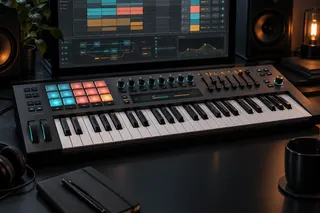 Best MIDI Keyboard for Ableton Live: 5 Picks by Use CaseSep 22, 2026 · 7 min readChoose a MIDI keyboard for Ableton Live by key range, Session View control, desk space and hardware MIDI needs, with five task-specific picks.
 Ableton Templates: Build a Fast Default Set Without Broken ProjectsSep 22, 2026 · 6 min readBuild a lean Ableton Default Set, purpose-specific Template Sets and portable project copies without stale routing, missing samples or hidden plug-in dependencies.
 Focusrite Line vs Inst in Ableton: Which Input Mode to UseSep 22, 2026 · 6 min readUse Inst for a guitar or bass plugged directly into a Focusrite. Use Line for synths, drum machines, mixers, preamps and documented line outputs.
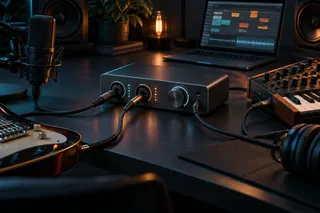 Best Beginner Audio Interface for Ableton Live: 5 Practical PicksSep 22, 2026 · 6 min readChoose a beginner audio interface for Ableton Live by simultaneous inputs, monitoring path and MIDI needs. Compare five practical two-channel options.
 Best Headphones for Ableton Live: 6 Picks for Mixing and RecordingSep 22, 2026 · 7 min readChoose headphones for Ableton Live by room and task. Compare six wired open- and closed-back options for mixing, recording, editing and portable work.
 Best MacBook for Ableton Live: Air vs Pro, Memory and StorageSep 22, 2026 · 7 min readFor most Ableton Live users, start with a MacBook Air, 16 GB of memory and 512 GB of storage. Move to a Pro-tier MacBook for sustained heavy sessions, larger libraries or more built-in ports.
 Ableton Push Setup: Push 3 Controller, Standalone and Push 2Sep 22, 2026 · 7 min readSet up Push 3 in controller or standalone mode, connect Push 2 correctly, identify the right Live ports and avoid obsolete Control Surface advice.
 Recover an Ableton Live Set After a CrashSep 17, 2026 · 5 min readShort answer: reopen the same Live version and accept the automatic recovery prompt first. If recovery does not start, quit Live completely, copy the version-specific Crash folder to a safe location, then follow Ableton's manual rename-and-move procedure using the files from the crash you want.…
 Record a Hardware Synth in Ableton LiveSep 17, 2026 · 7 min readTreat a hardware synth as two routes: MIDI out of Live to the synth, audio back through the interface. Prove each one, pick a single monitoring path, then print the return to audio while keeping the MIDI editable.
 Ableton Stem Separation: Extract Vocals, Drums, Bass or an InstrumentalSep 17, 2026 · 9 min readShort answer: Ableton Live can separate a mono or stereo audio file into Vocals, Drums, Bass and Others. The feature requires Live 12 Suite and first appeared in Live 12.3. In Live 12.4, you can also process only a selected Arrangement range or combine two or three chosen components into one new…
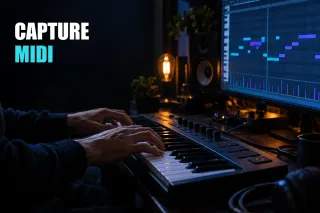 Ableton Capture MIDI: Recover a Phrase and Fix a Grey ButtonSep 17, 2026 · 6 min readShort answer: arm a MIDI track or set its monitor to In , play the phrase, then press the Capture MIDI button. Live retrieves the recent MIDI received by eligible tracks and turns it into a clip. If the button stays grey, prove that MIDI entered Live on an armed or input-monitored track before…
 Is Ableton Live Worth It? A Practical 2026 Decision GuideAug 30, 2026 · 7 min readAbleton Live is worth it when Session View, warping, resampling or performance saves time in work you repeat. Test one real project before choosing an edition.